Cyan Cut
CYAN PRO APP
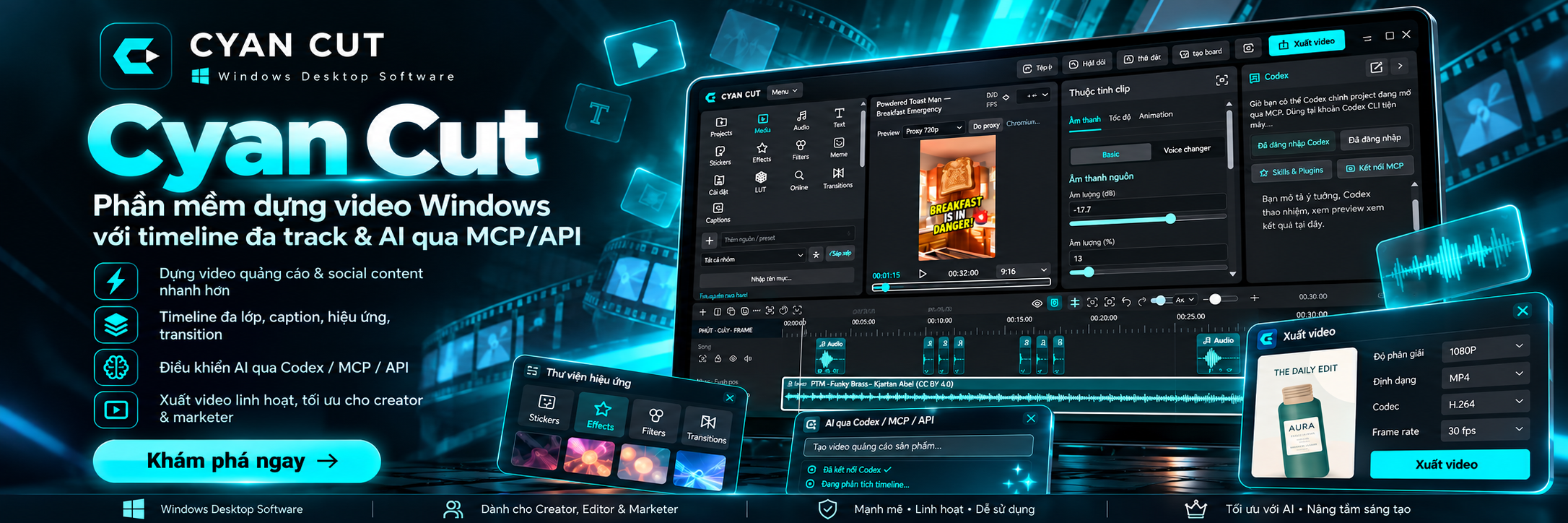
A Windows video editor with multitrack timelines and AI control through MCP/API.

About
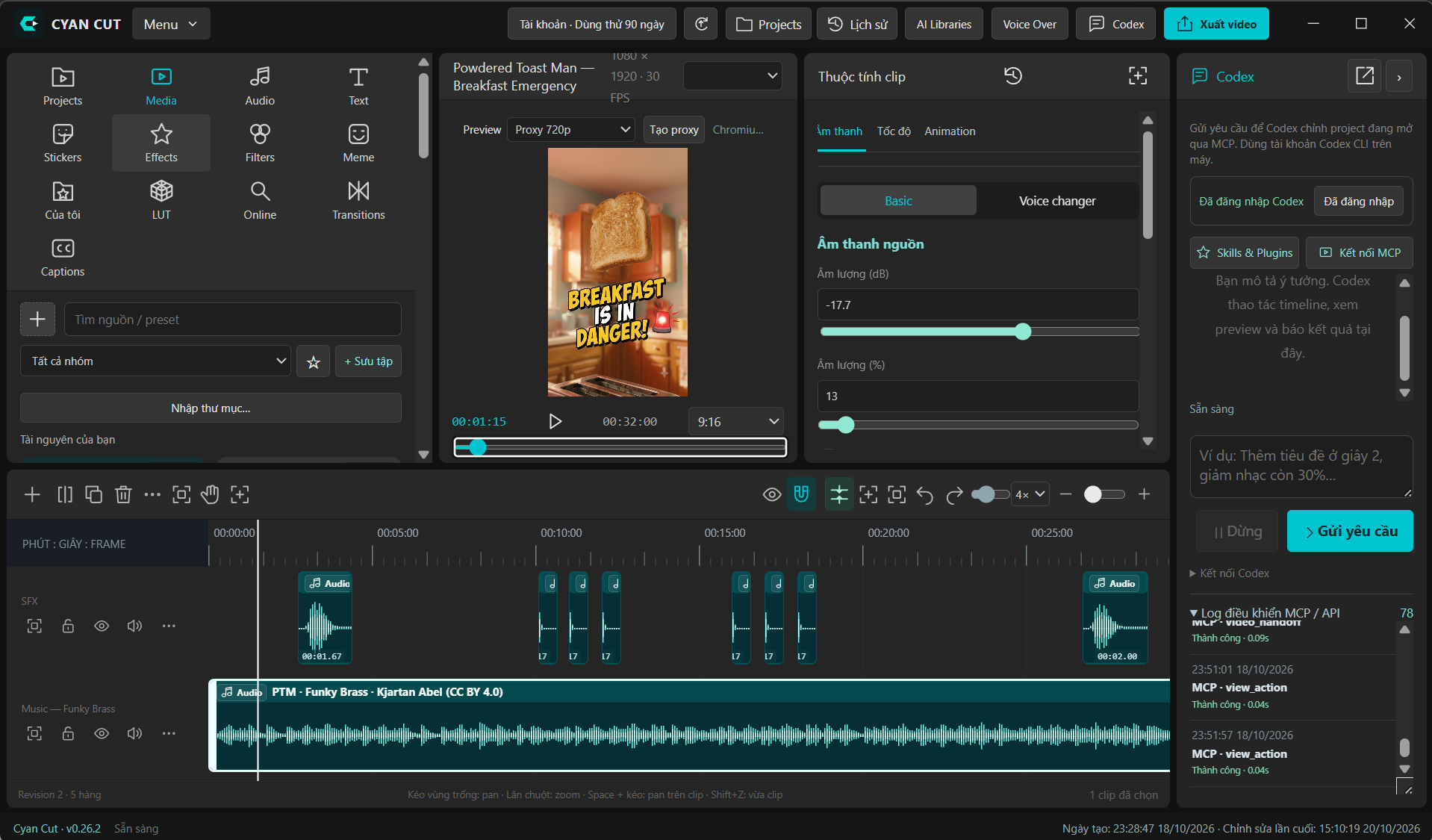
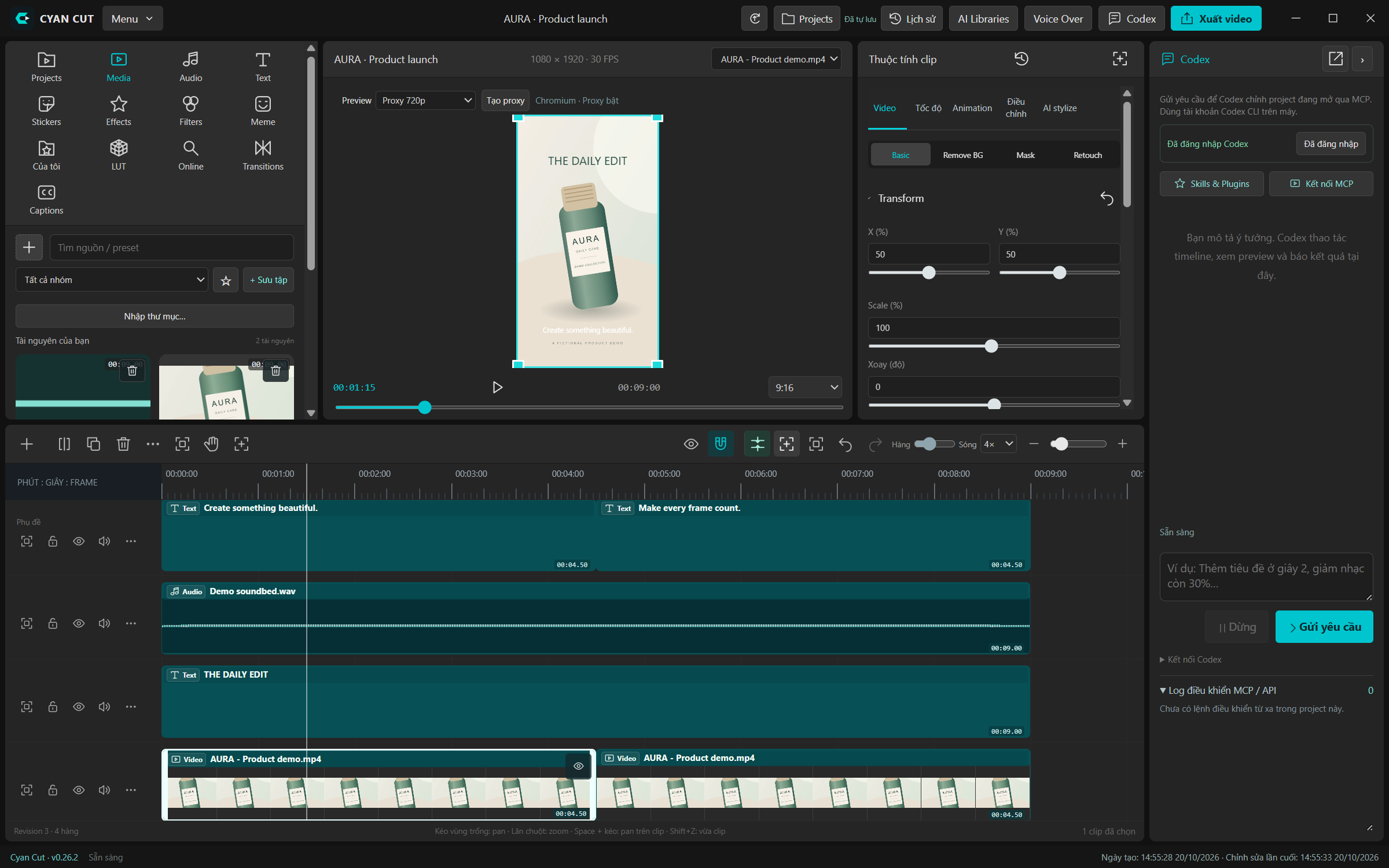
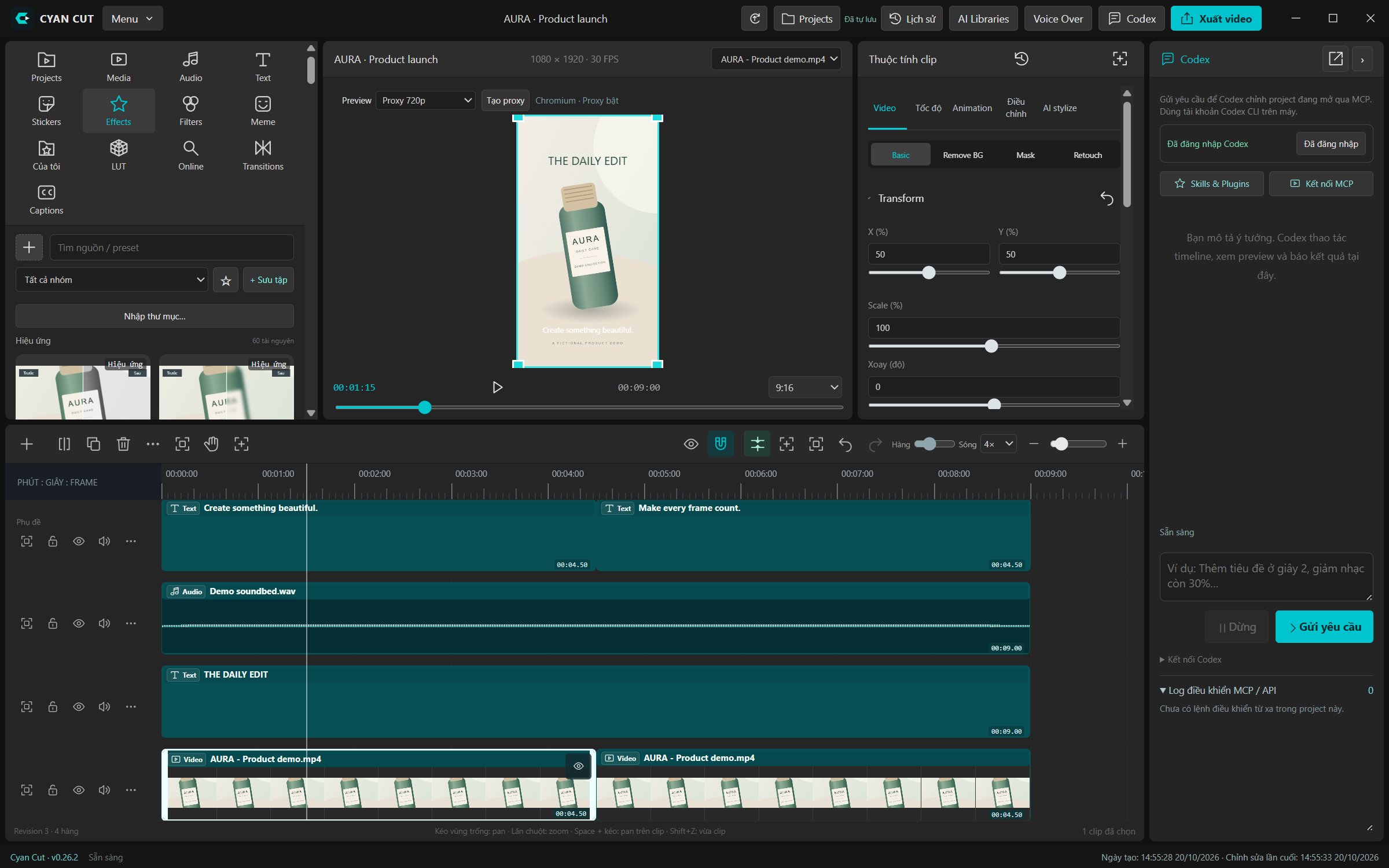
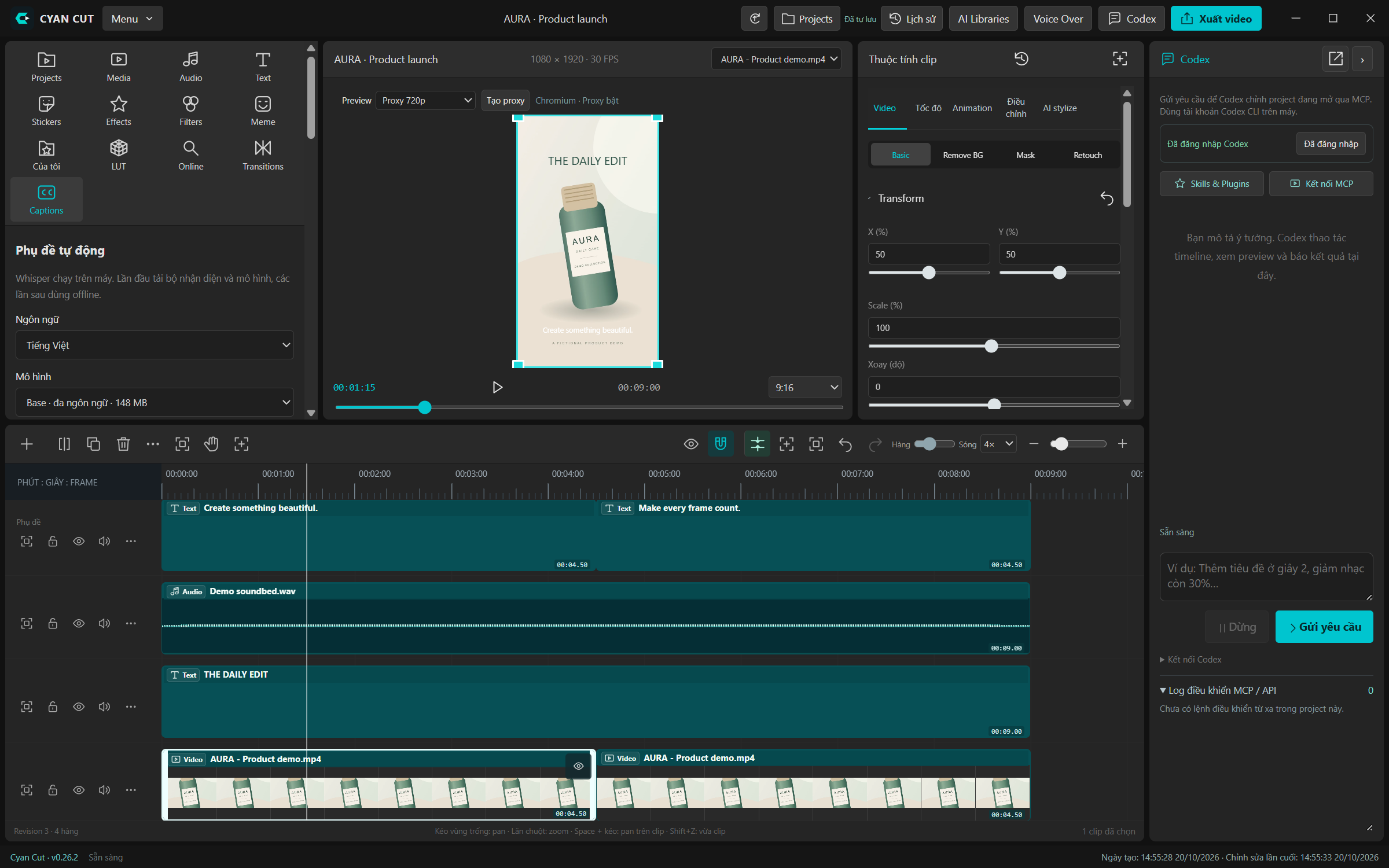
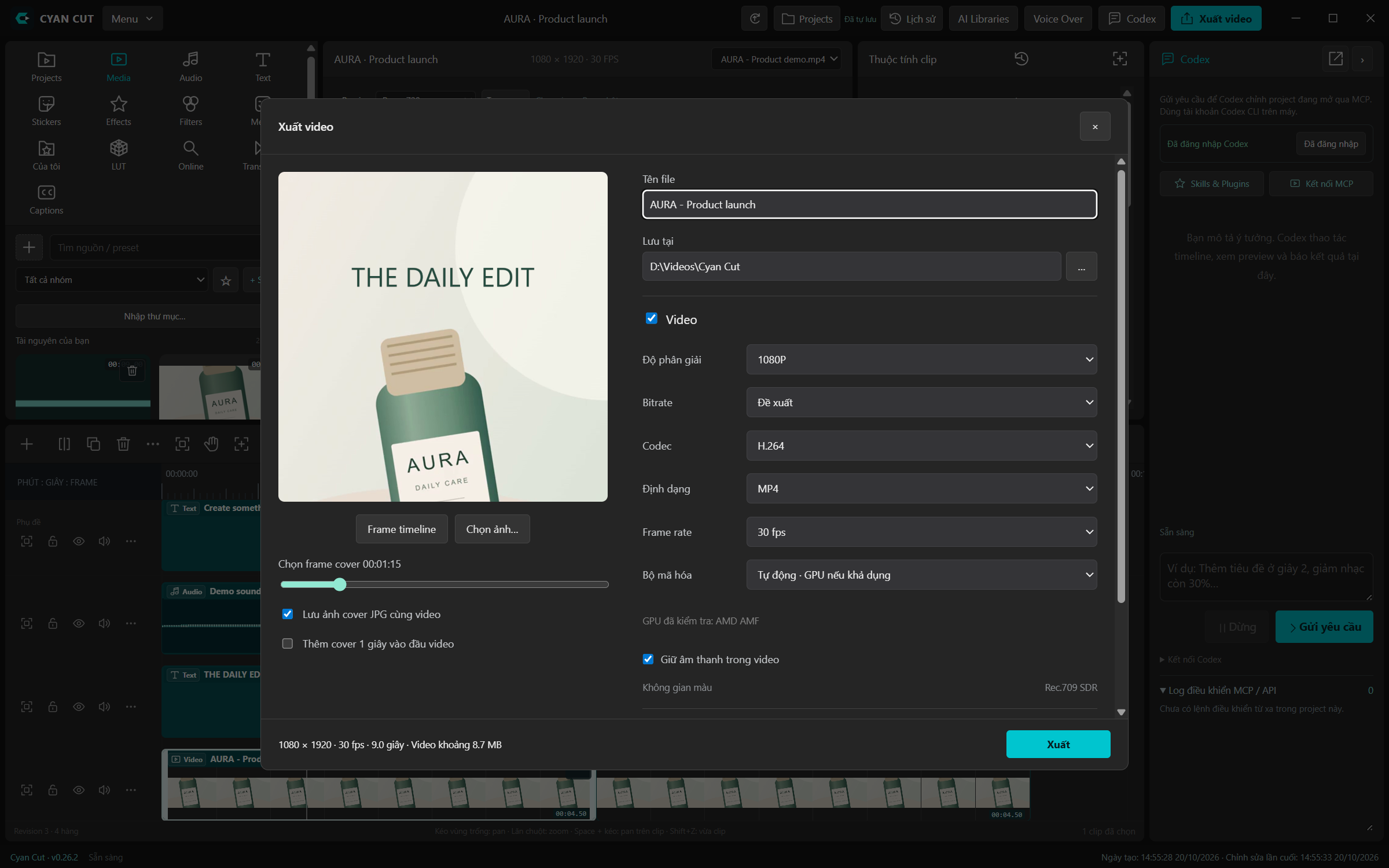
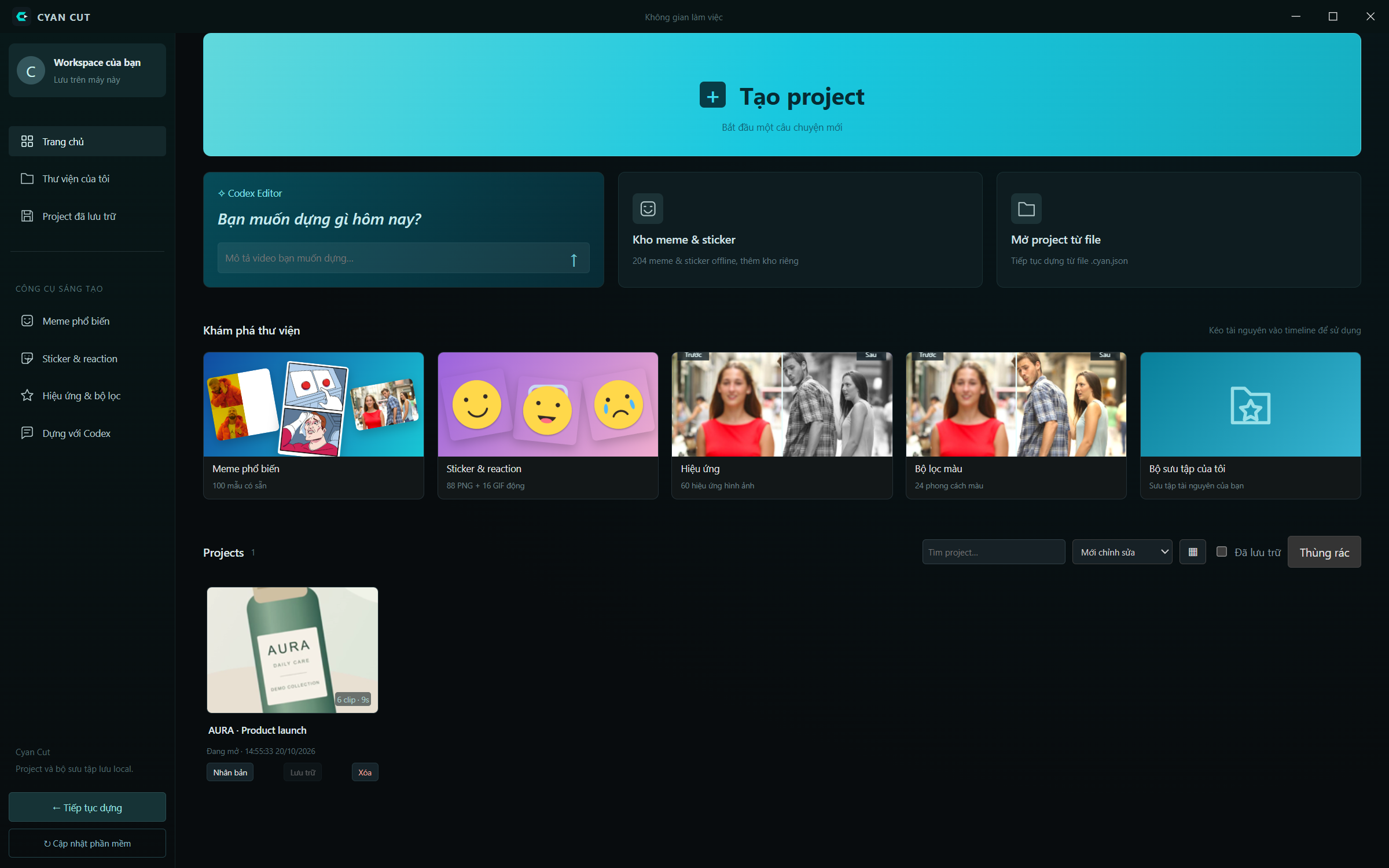
Cyan Cut is a Windows desktop video editor for product ads and social content. Import video, audio and PNG/GIF images, arrange layered timelines, and transform sources directly in the preview. Work with text, stickers, effects, filters, transitions and captions. Media properties include keyframes/curves, speed, HSL, color wheels, LUTs, masks and audio processing. Embedded Codex or external AI clients can inspect
Read more
sources, edit timelines, receive frame/video reviews and export through MCP/API. Includes project management, autosave, restorable history, proxy/GPU preview and export options. Hardware acceleration and AI availability depend on the computer, account and configured runtimes.
What's new
Version 0.28.5 · 22 Oct 2026
# Cyan Cut 0.28.5 - Source media playback, seek, time and volume controls remain fixed beneath the picture. Pan and zoom affect only the video/image. - Expanding preview keeps a compact timeline beneath it; restore/Escape returns the previous timeline height. - Verified unchanged control bounds after zoom/pan, and working playback, seeking and volume controls. - Added ChatGPT plugin refresh guidance for stale MCP tool lists. Cyan Cut cannot replace ChatGPT's saved/approved tool definitions itself. - Preview header: compact project title, single-line resolution/FPS, and a source picker that never goes blank for audio selection.
User guide
Create a project, import your footage, arrange the timeline and export your edit. This guide covers the Windows editor and optional AI workflows through Codex or MCP.
Plans for this product
Dùng thử 90 ngày
Cấp tự động cho tài khoản mới sau khi xác minh email.
- ✓ Up to 1 device at once
- ✓Đầy đủ tính năng
- ✓1 thiết bị
- ✓Không cần thẻ thanh toán
Gói tháng
- ✓ Up to 5 devices at once
- ✓Tối đa 5 thiết bị
- ✓Cập nhật miễn phí trong thời hạn
Gói năm
Trả trước một năm, tặng 2 tháng.
- ✓ Up to 5 devices at once
- ✓Tối đa 5 thiết bị
- ✓Tiết kiệm 2 tháng
- ✓Khoá giá 12 tháng
Details
- Publisher
- CYAN PRO APP
- Type
- Desktop software
- Platform
- Windows
- Version
- 0.28.5
- Support
- support@cyanpro.app
- Zalo
- 0907880521 (Mr.Cyan)
- Phone
- 0332572909 (Mr.Cyan)